TechSnap
Working without a signal: an offline documentation checklist for technicians
A basement, plant room or remote workplace is a poor place to discover that your documentation workflow depends on a connection. Prepare the parts you need before the visit, then keep capture, review and later sharing as separate steps.

Check the workflow before leaving
Open the app, identify the customer and equipment you expect to visit, and make sure the phone has enough battery and storage. Try the functions you rely on with a simple non-sensitive example. Knowing that a home screen opens offline is not the same as knowing that capture and PDF export work.
Complete any purchase or purchase restoration while connected. In TechSnap, a verified Pro purchase is cached for offline use. Buying or restoring Pro requires Google Play and a connection, so it is better handled before arriving at a location with unreliable reception.
Capture the record while the context is fresh
Take the necessary photos, add a concise description and select the equipment entry for this record. If you use audio notes, listen to a short test recording when working in a noisy environment. Check the saved record before leaving the area.
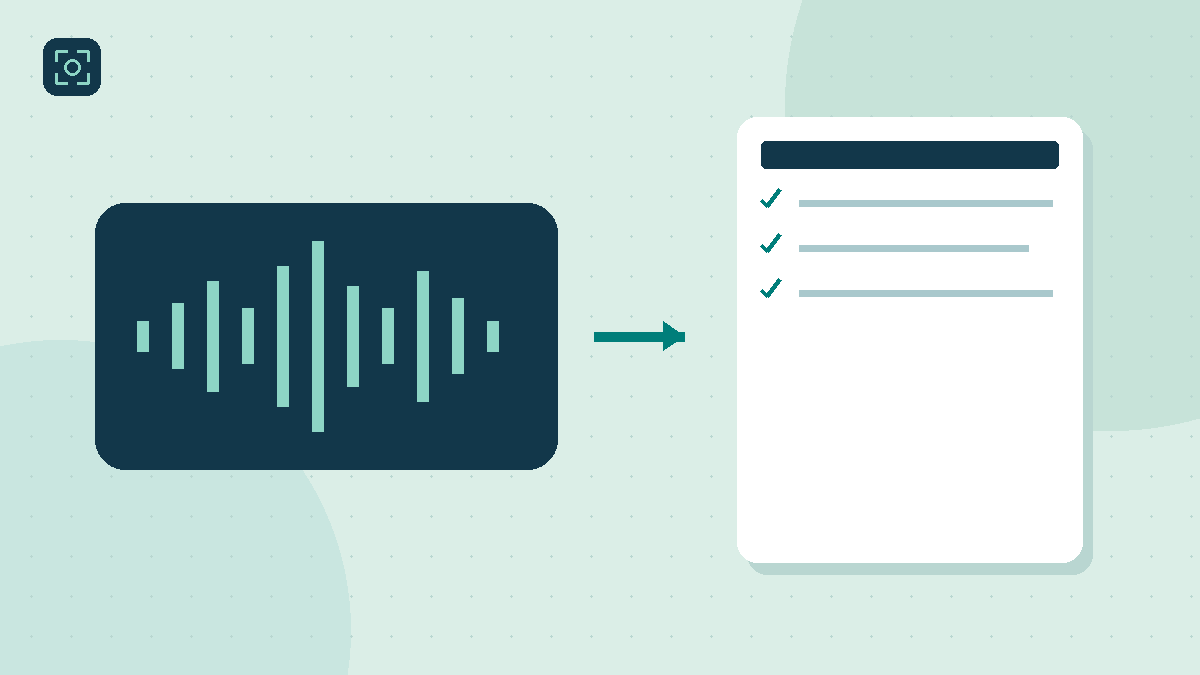
Keep an audio recording and speech-to-text dictation conceptually separate. TechSnap can save an audio note offline. On-device dictation depends on the phone, Android support and available speech resources; it may be unavailable. Text entry remains a useful fallback when a transcription feature is not ready.
Review locally; send when the destination is ready
Create and inspect the PDF while the equipment and workplace are still easy to check. Correct the customer, sequence of the photos or missing observation before leaving. Do not postpone all review until the evening, when a missing view may require another visit.
Saving a PDF locally does not mean it has reached a recipient. An email, messaging app or cloud destination can have its own connection requirements and queues. After reconnecting, check the recipient and verify that the intended file was actually sent through the service you chose.
Treat offline storage as one copy of your work
Local availability helps in the field, but it does not protect against a lost or damaged phone. Make a password-protected backup and keep a suitable separate copy according to your organisation's process. Keep its password available through your approved recovery method, not only on the same phone.
Try restoration with non-sensitive sample data before relying on the procedure. A backup file that exists has not yet demonstrated that you can recover it. TechSnap does not automatically synchronise your work to a team server, so plan that recovery step deliberately.
Before you finish
- Battery, free storage and the required equipment records are ready.
- Connection-dependent purchases or restoration are completed beforehand.
- Text or audio provides a fallback when dictation is unavailable.
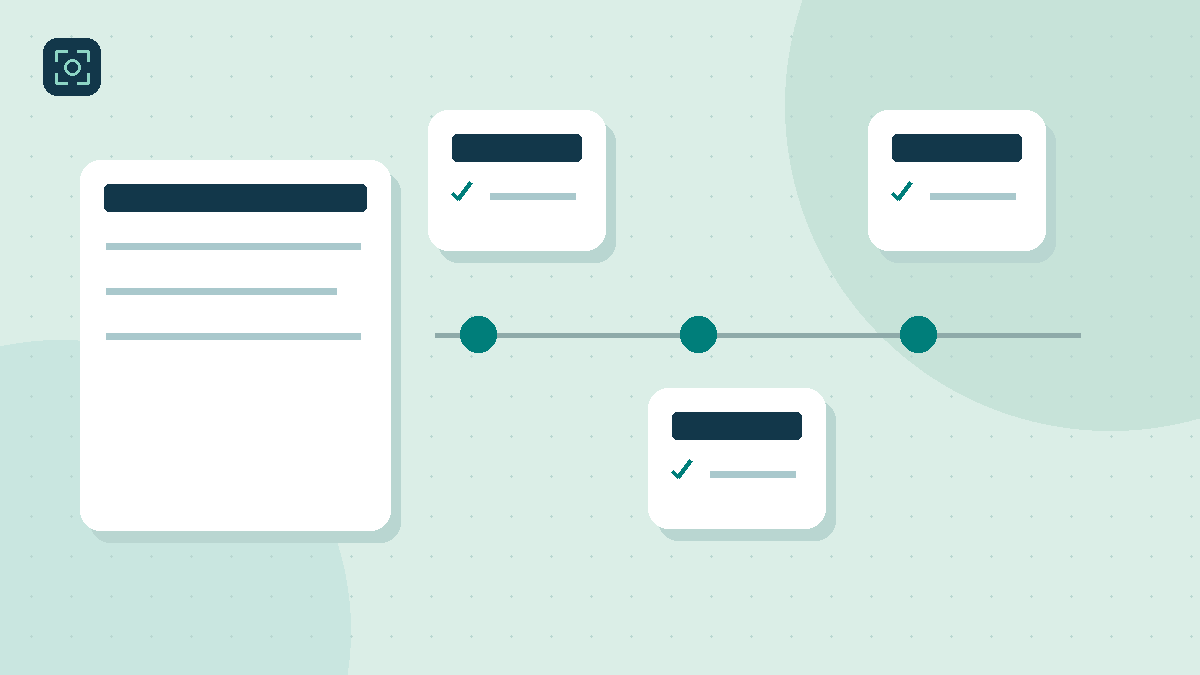
- The report is reviewed, delivery checked and backup recovery understood.